Final Draft 13 Upgrade
Upgrade to Final Draft 13: the most customizable version of Final Draft yet!
Details
From new ways to organize your script to enhanced productivity tools, Final Draft 13 helps you build your perfect writing workflow.
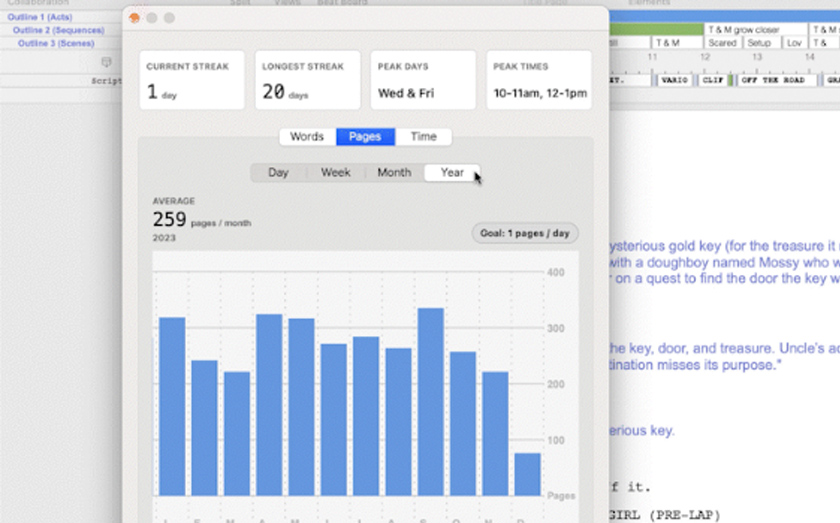
Upgrade to Final Draft 13: the most customizable version of Final Draft yet!
Details
From new ways to organize your script to enhanced productivity tools, Final Draft 13 helps you build your perfect writing workflow.
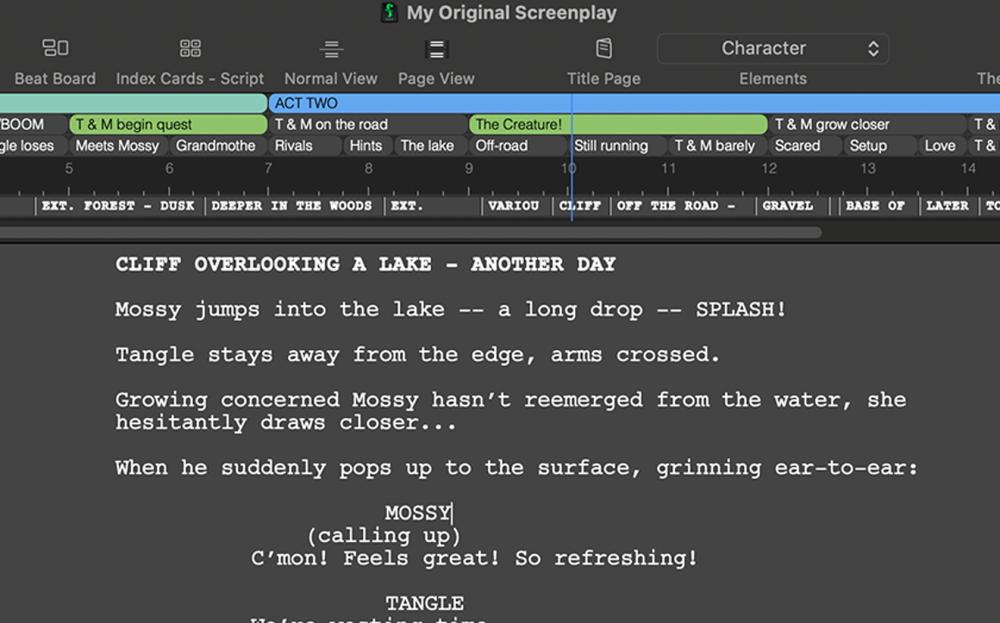
From powerful productivity tools to smarter ways to organize your script, Final Draft 13 gives you everything you need to supercharge your story planning and writing.


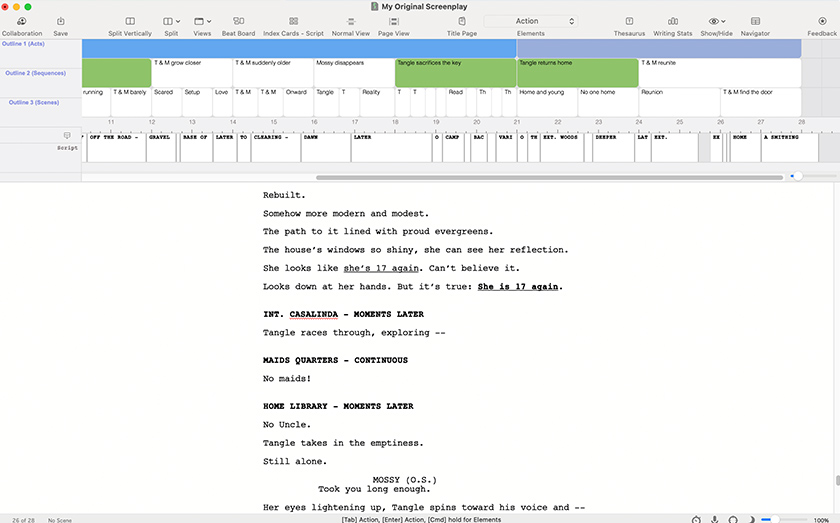
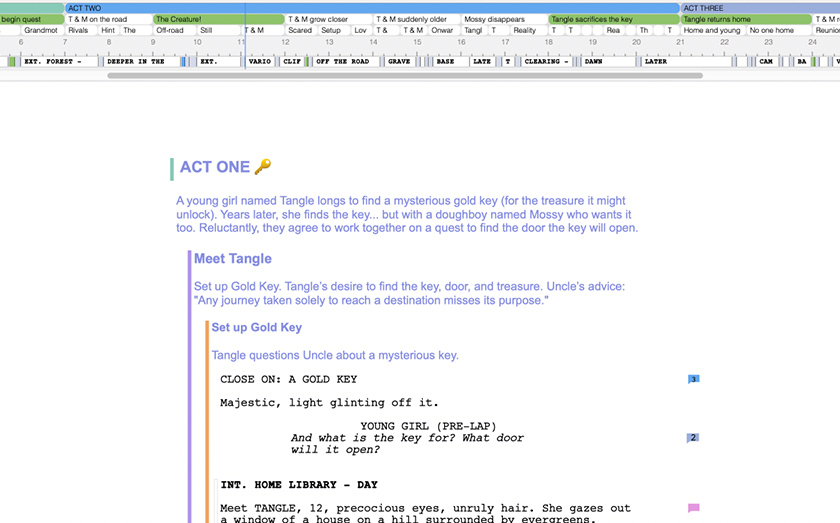
Customize your Navigator for a full view and control of your script. Outline directly in the Navigator, edit scene headings, monitor inclusivity stats, and so much more.


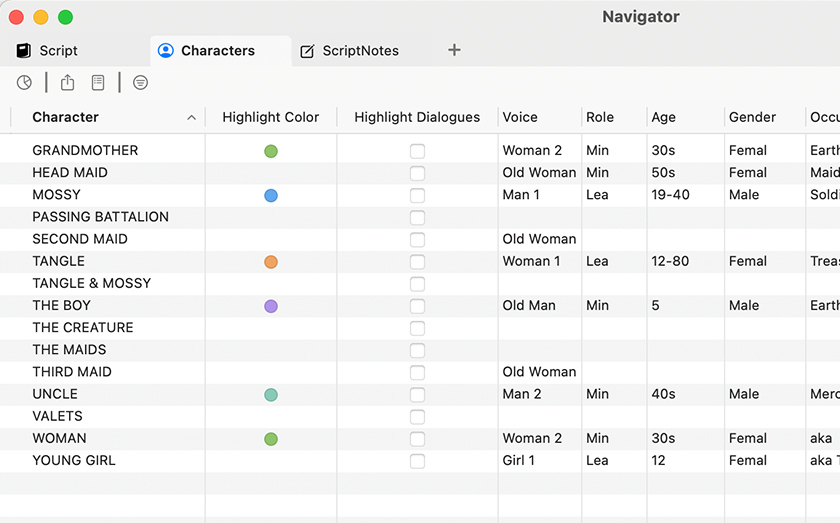
Use the new Navigator 2.0 to explore your characters. Track how much screen time each character gets, see how often different characters interact, even assign characters voices to read your script back to you.


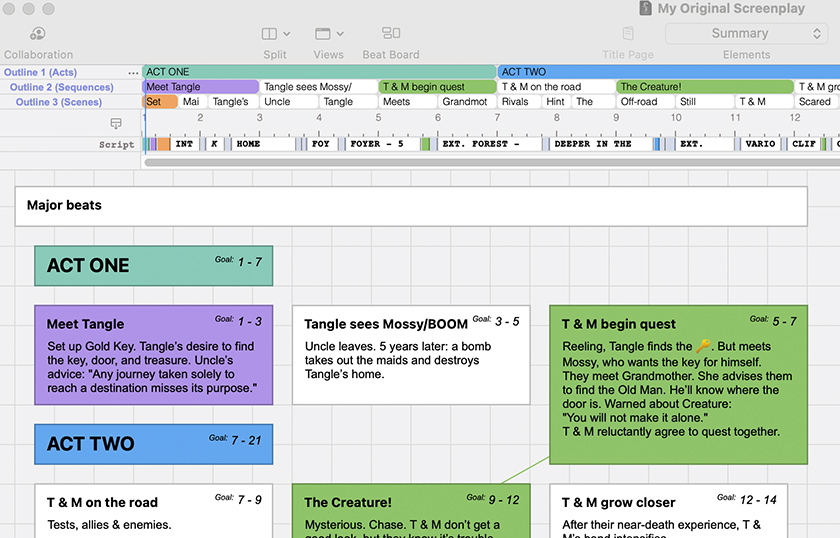
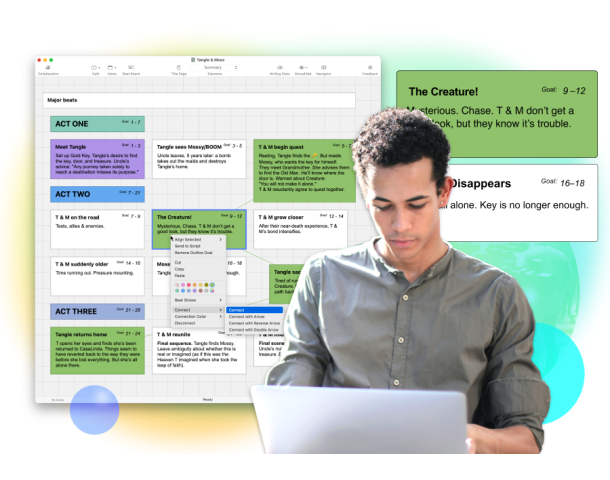
Customize your Beats to display only what you want to see and how you want to see it.


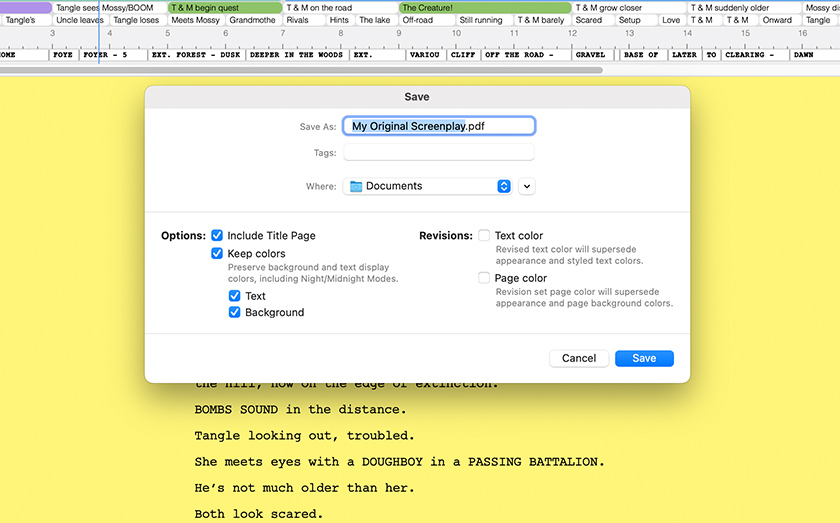
Assign colors to outlines, acts, sequences, and scenes to track them visually in your script.


The only difference between the upgrade and the full version of Final Draft 13 is the pricing! They’re the same program, but previous users can purchase the latest version at a discount.
You would need to provide a previously registered Customer Number or Email Address that shows a previous purchase.
Yes! Anything written in the previous versions of Final Draft can be opened using the newer version. Once FD13 is installed, open it and go to File > Open to locate the files wherever you saved them on your computer.
If you are using a supported version of Final Draft, i.e. Final Draft 11 and Final Draft 12, then those versions will still be supported and usable. If you are using Final Draft 10 or earlier and need to install or activate them, then you will need to purchase an upgrade.